
How Can We Help?
Adding Firm Information in KIS Desktop
Adding Firm Information
The objective of this article is to walk you through on how to add Firm Information.
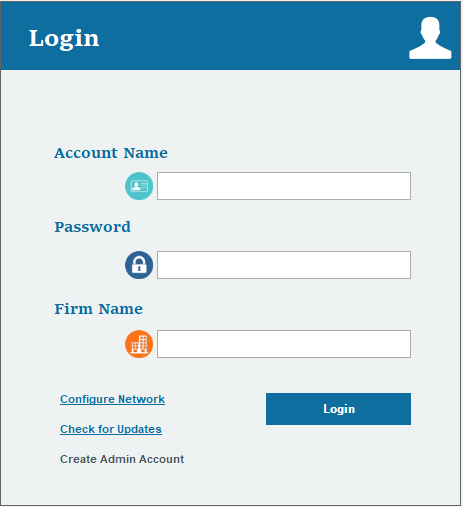
- Login to your Keep It Simple Desktop software.
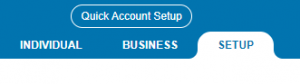
- Click on the SETUP tab at the top right corner.
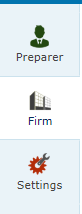
- Click on the FIRM icon on the left side of the screen, it is the second icon from the top.
- Fill out all the information on the screen under FIRM ADDRESS INFORMATION and under FIRM INFORMATION.
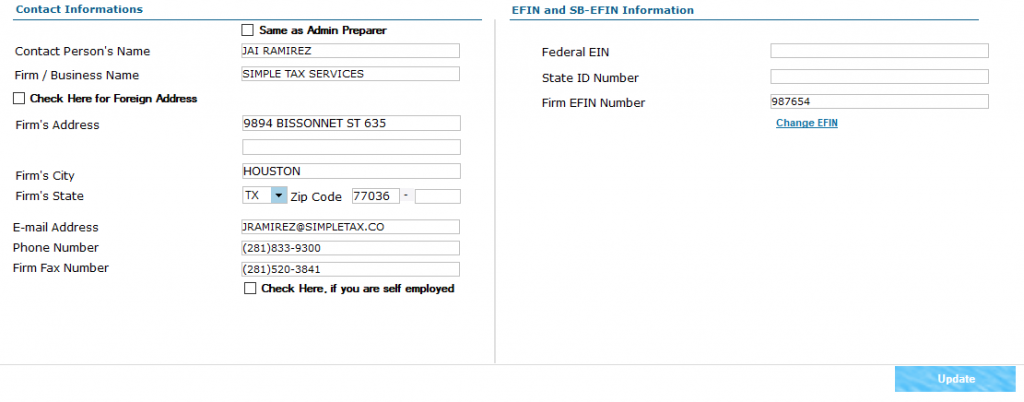
- Once you have entered all the information to the best of your knowledge, click on the blue button on the lower right corner labeled UPDATE.